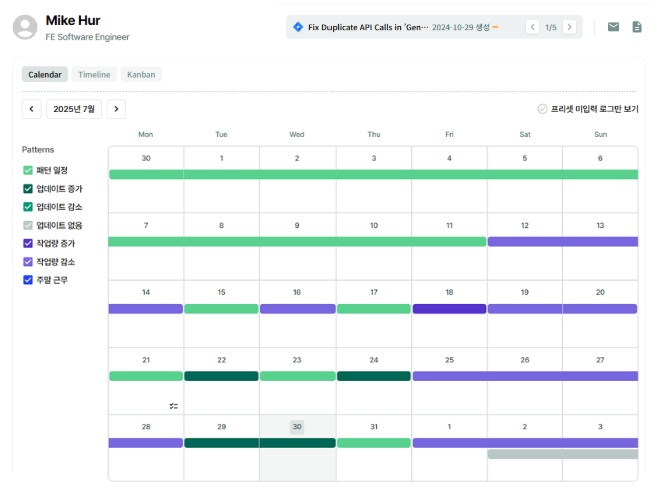
▲ [Calendar]
You can check the overall work trend.
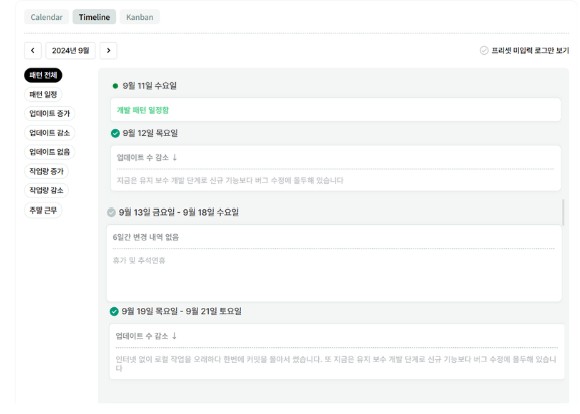
▲ [Timeline]
Reports on work sections where specific issues were reported.
Both developers and managers can communicate by entering relevant presets.
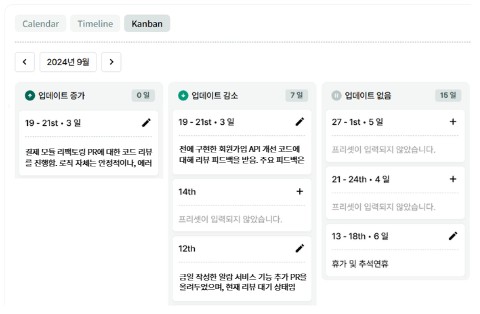
▲ [Kanban]
You can view the information above in a Kanban format.
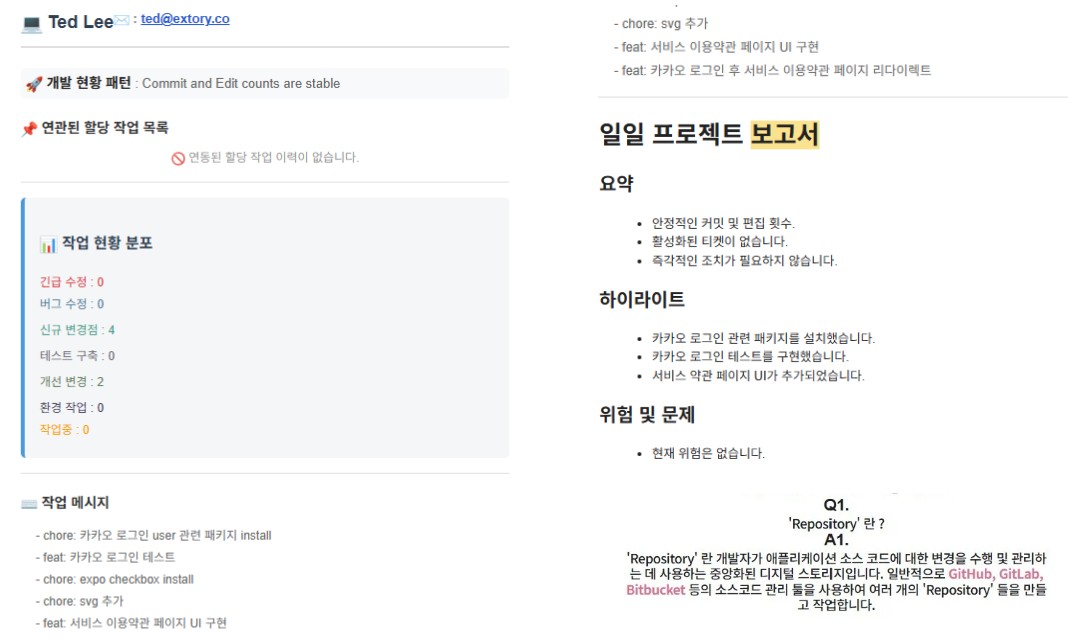
▲ Once developers are invited and connected,
their reports will be automatically sent daily/weekly to the registered manager's email.
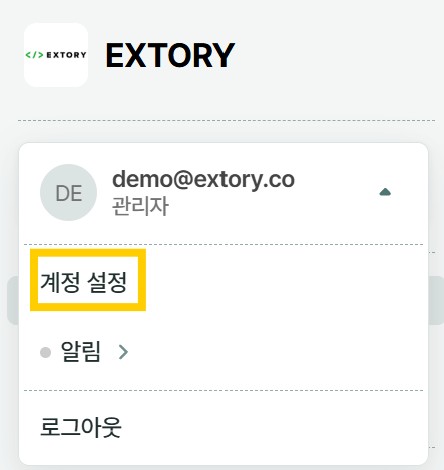
▲ Click [Account Settings] after clicking user information in the top left of BCTO.
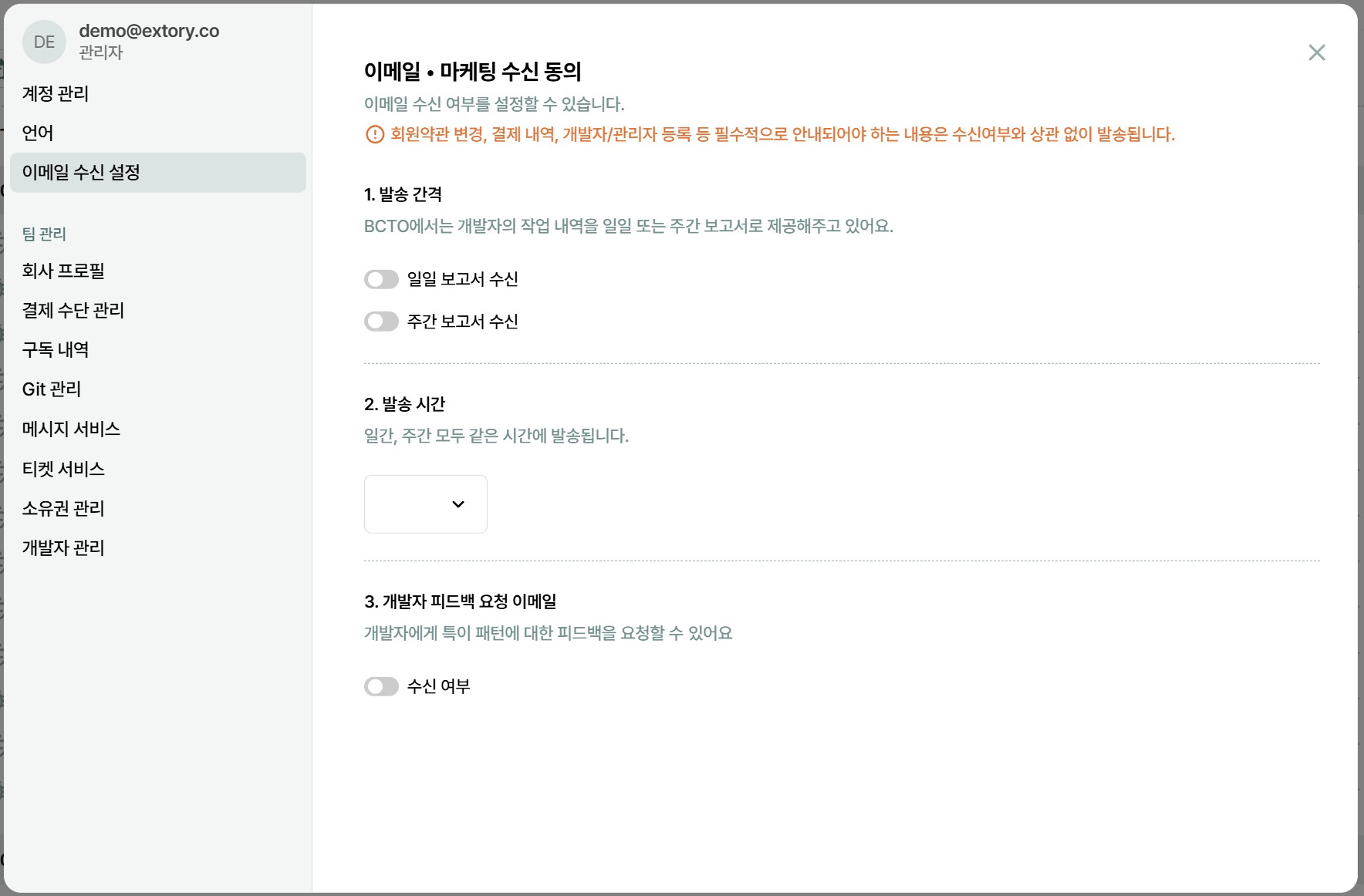
▲ Click [Email Subscription Settings] from the left list and set the desired frequency and time.
Recommendations when using development pattern indicators
1. Interpret based on trends rather than short-term figures.
2. Avoid simple comparisons between developers, assuming it's based on individual averages.
3. Consider the work context, such as planning changes, code reviews, and refactoring.
4. When detecting unusual patterns, use them as a starting point for communication rather than for management purposes.